01
Request
Enter the details while you take the call.
Add the vehicle, pickup and drop-off locations, service, customer, and notes to the job. Dispatch can make the assignment with the request details in view.
Take the call, assign a provider or driver, and track the job through pickup, transport, drop-off, and billing. The job record gives your office and field team the details they need.
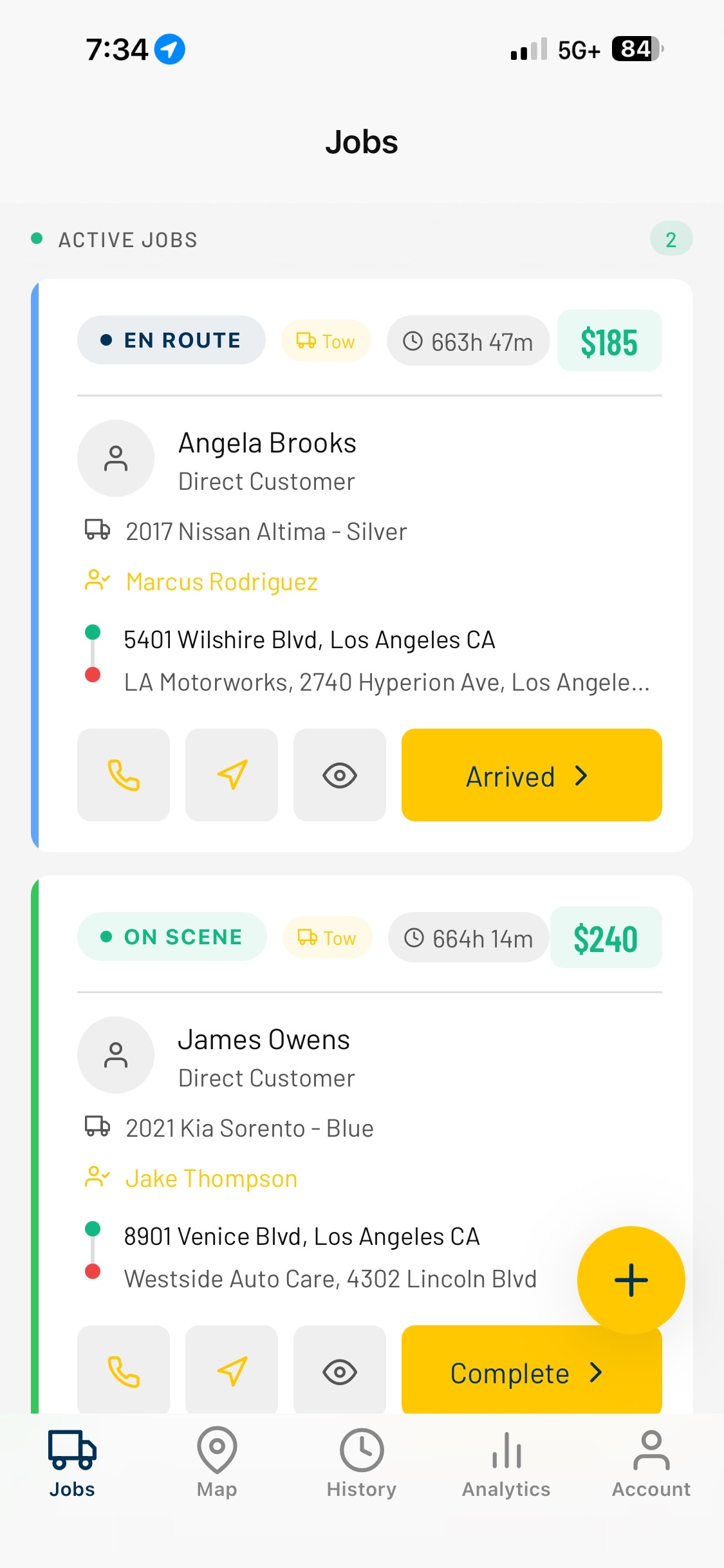
Enter the call once, assign the work, and update the job as it moves. Your team can refer to its vehicle and customer details, notes, status updates, and closeout information during the work and afterward.
Record the vehicle details, storage activity, and release information in your impound records.
Assign the job yourself, or use optional automatic driver assignment if it suits your desk.
Check status changes, notes, photos, signatures, mileage, customer details, and completed work in the job record.
Keep business-account rates, completed jobs, invoices, payment status, and statements with the customer account.
Use the dispatch board to manage jobs from the office. Check available location data, share a customer tracking link, and open job records from the office, the cab, or the front counter.
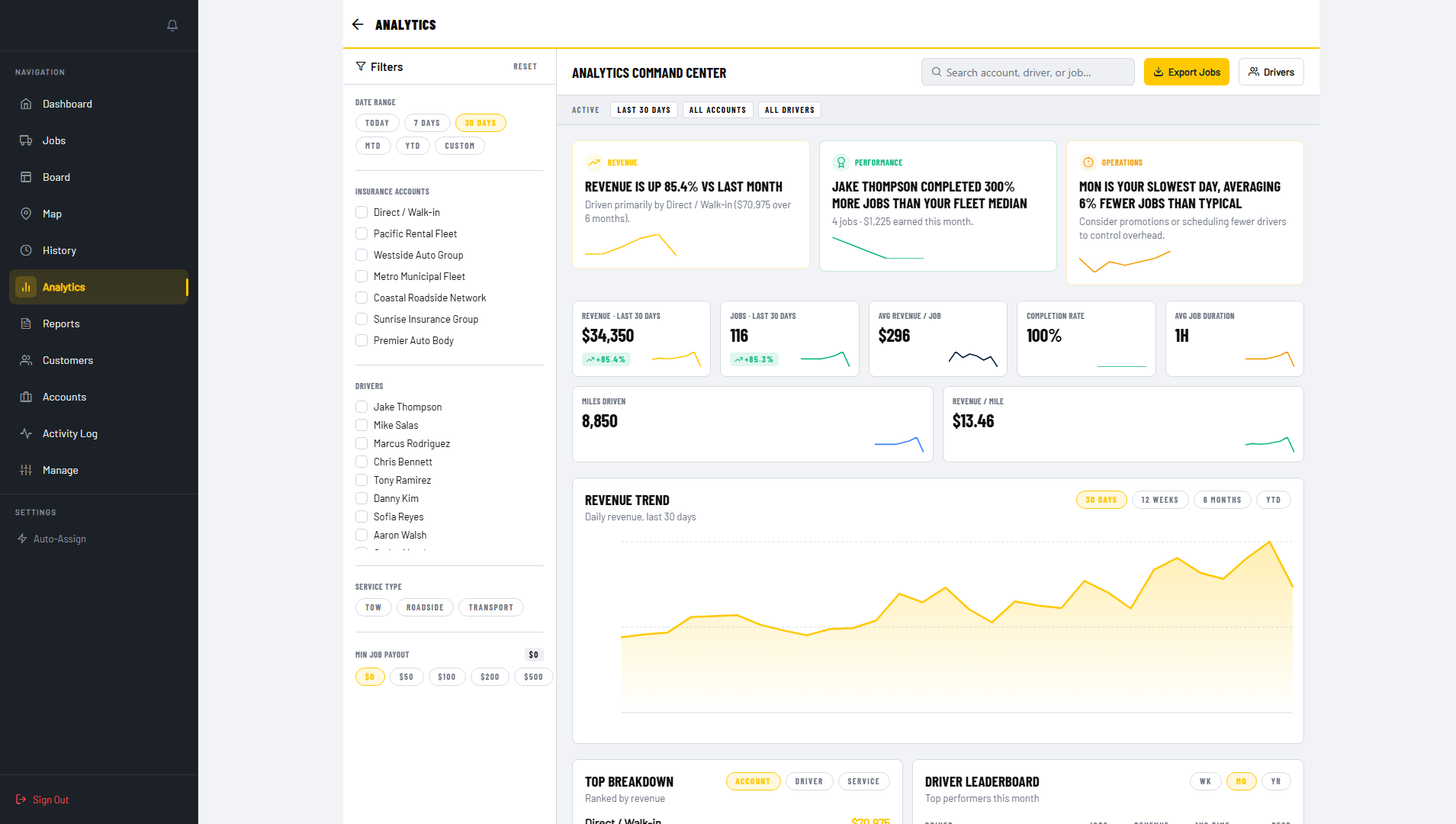
Use the web app in the office and the mobile app in the field on iOS or Android.
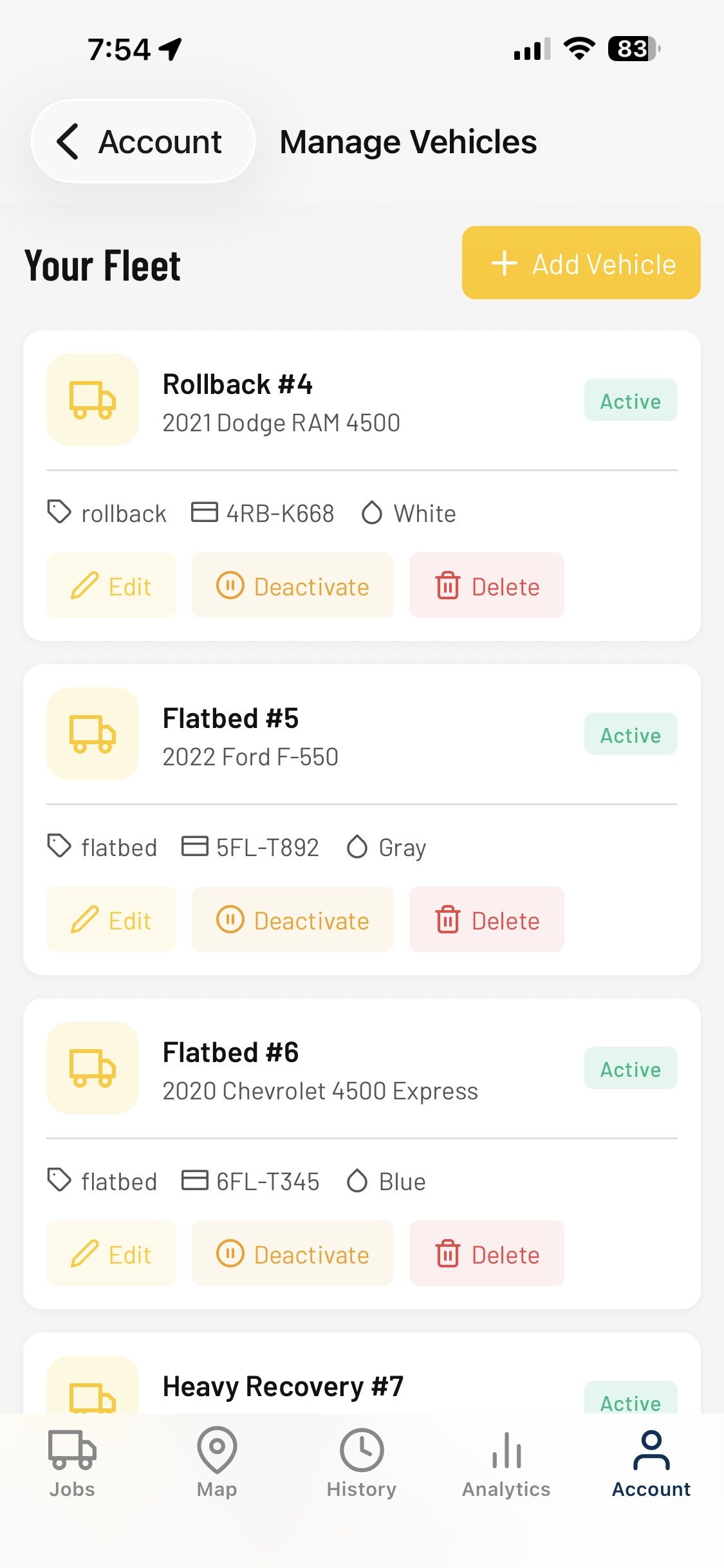
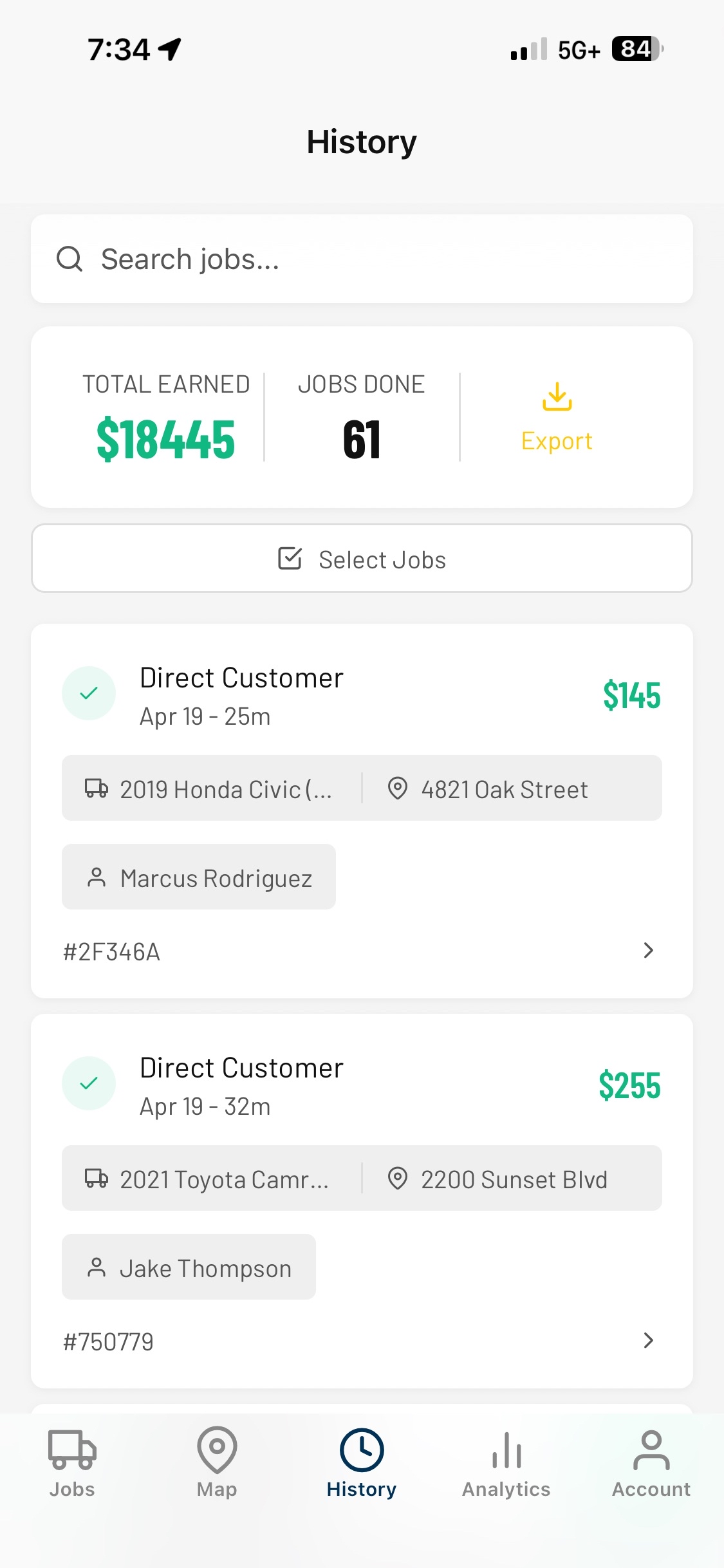
Put the request details in the job, choose who will handle it, and update the record as the driver works. Dispatch, drivers, and office staff can refer to the job details they need at each handoff.
Add the vehicle, pickup and drop-off locations, service, customer, and notes to the job. Dispatch can make the assignment with the request details in view.
Review availability, active work, and service details before assigning the run. The provider or driver receives the job context needed to take it.
Drivers can open the assignment on their phone, update its status, and capture details for the office. If the customer needs an update, dispatch can share a tracking link.
Add photos, signatures, mileage, timestamps, and billing details to the completed job. Driver pay information is also part of the job record for review.
Try Tow Control Dispatch with your operation. The Pro Operator plan is $99/month after the free trial. No card is needed to start.